Compare PingCastle Editions
| Compare our editions to find the perfect fit for your needs | Basic For personal use | Standard For audit companies | Most Popular Pro With professional services | Enterprise For complex environments |
|---|---|---|---|---|
| Advanced report | ||||
| Audit program | + Web App | + Web App | ||
| Authentication | Requires AzureAD or Windows for auth (can be hosted locally) | Configurable Authentication | ||
| Can be purchased in USD, EUR, CAD, GBP | ||||
| Elegible for services | ||||
| Health check report | ||||
| History | Few domains | Lot of domains | ||
| Large organizations | ||||
| Management report | ||||
| Map | Extended | |||
| Support for bug fixing | ||||
| Unlocked report |
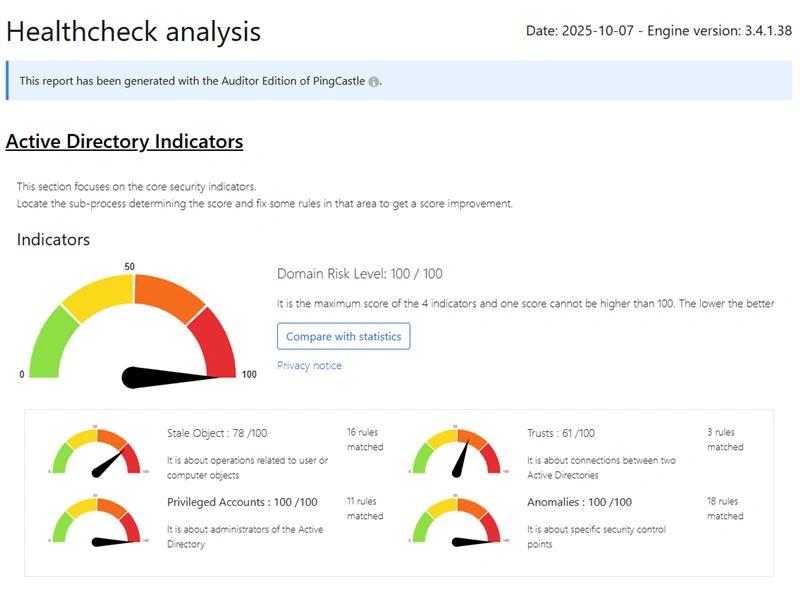
Standard Edition (formerly Auditor)
You can download and use the free Basic edition to audit your own environment. This does not include technical support or commercial-use rights. If you use the program to audit other organizations, you’ll need a commercial license. After purchase, you will receive a license key to add to the PingCastle.exe.config file. This unlocks advanced features, and your reports will automatically update to show your licensed status.
Pro Edition
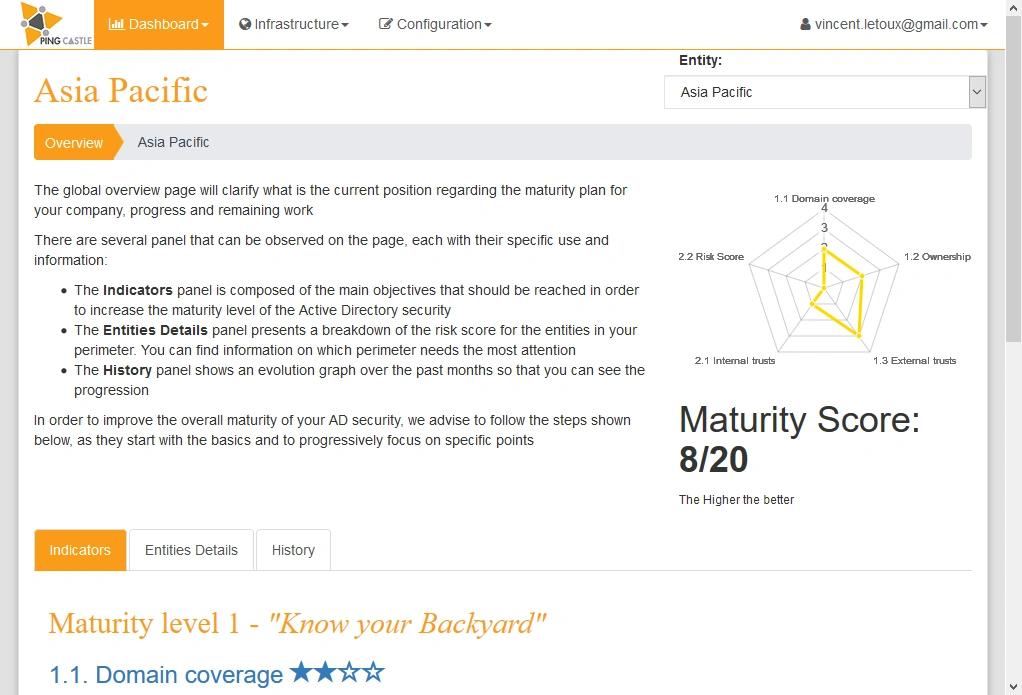
Consolidate reports from a single domain into one unified view. Track trends, set exceptions, and automate reporting for deeper insight and easier management.
Enterprise Edition
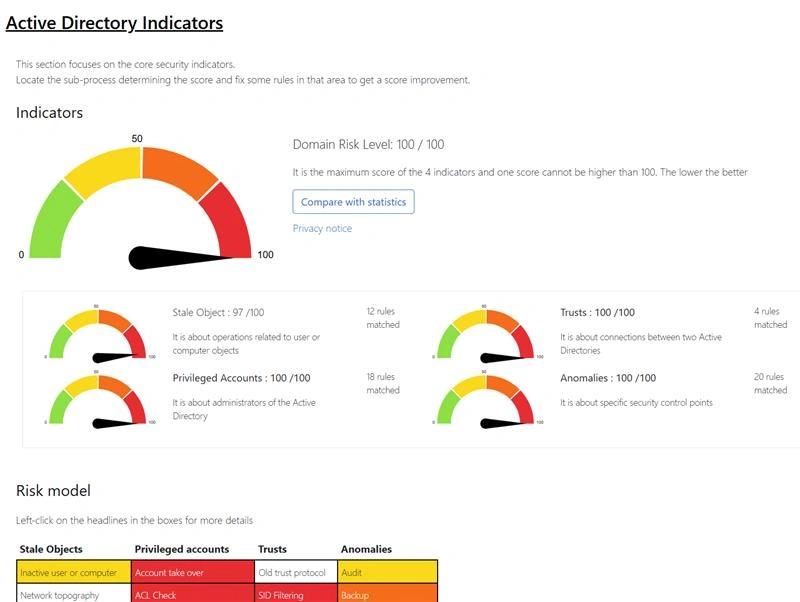
Gain visibility across complex environments with thousands of domains. Centralize reporting, monitor changes over time, and manage enterprise-wide security from a single dashboard.