
Copilot readiness
Prepare Microsoft Copilot with full visibility into sensitive data, access risks, and AI activity, before it exposes what shouldn’t be shared.
Why Netwrix for Copilot readiness?
Microsoft Copilot amplifies existing data risks. Sensitive data, excessive permissions, and hidden access paths allow AI to surface information far beyond intent. Without visibility and control, organizations risk oversharing, compliance violations, and data leakage at scale.

Know what Copilot can access
Discover and map sensitive and regulated data across Microsoft 365 and beyond, so Copilot only surfaces approved, controlled information.
Reduce AI-driven data exposure
Identify and remediate excessive permissions, stale identities, and hidden access paths before Copilot expands the blast radius.
Stop risky Copilot interactions
Detect and block sensitive data in prompts and prevent misuse across Copilot and other GenAI tools.
Gain full visibility into AI activity
Monitor user behavior, data access, and AI interactions in real time to detect anomalies and respond before data is exposed.
End-to-end Copilot security and readiness
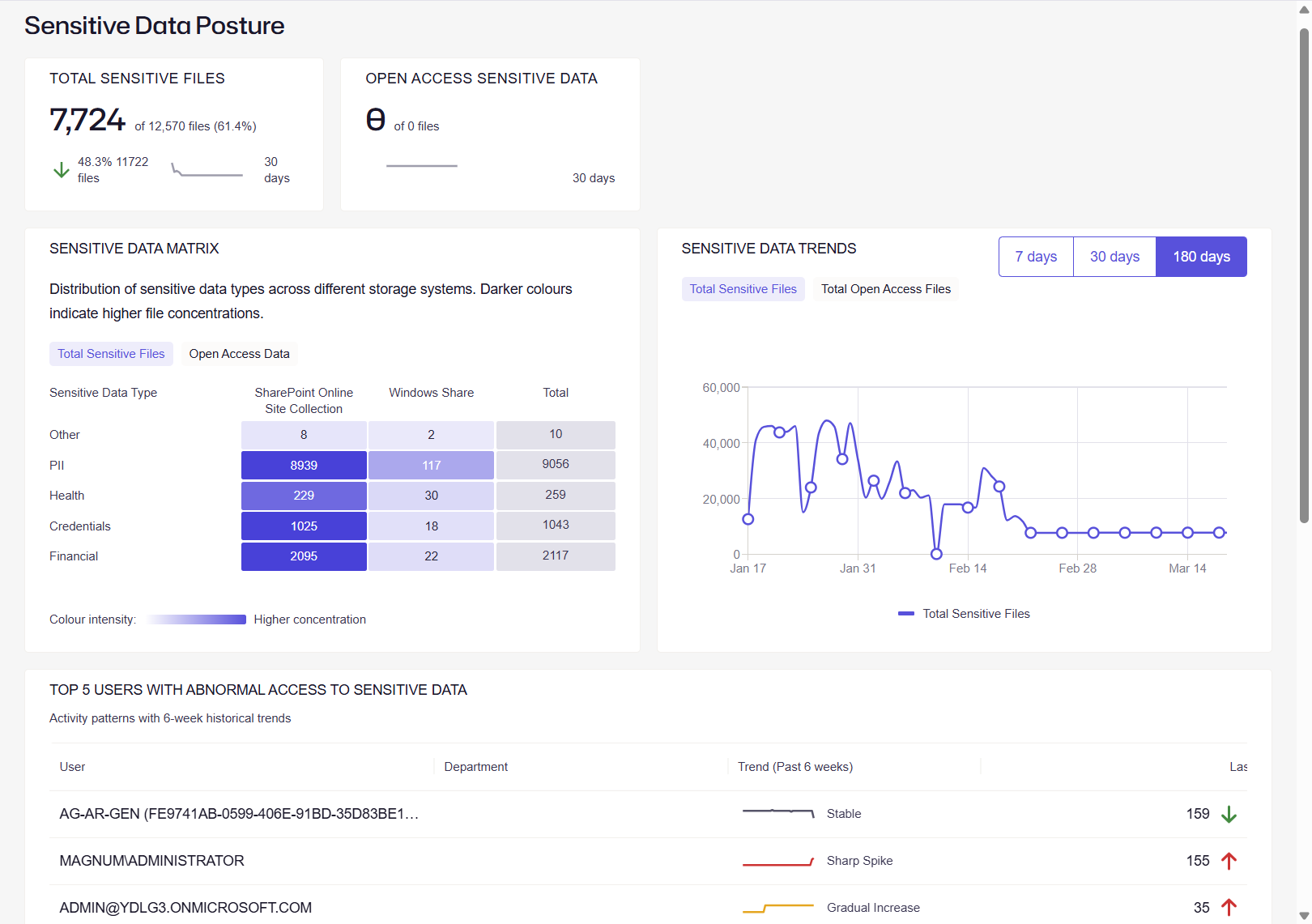
How to roll out Copilot securely?
Step #1: Discover
Continuously discover sensitive and regulated data across Microsoft 365, cloud, and on-prem systems to understand what Copilot could access before deployment.
Step #2: Classify
Apply high-fidelity classification to label sensitive data, ensuring Copilot interactions are governed by business context and compliance requirements.
Step #3: Audit
Analyze permissions, identities, and access paths to understand who and what can access sensitive data through Copilot.
Step #4: Secure
Remediate excessive access, enforce least privilege, and block sensitive data from being used in risky Copilot prompts or external AI tools.
Step #5: Monitor
Continuously monitor user activity, Copilot interactions, and data access patterns to detect anomalies and prevent data exposure in real time.
Step #6: Govern
Establish policies, automate access reviews, and maintain ongoing compliance to ensure Copilot usage stays aligned with security and regulatory standards.
Ready to get started?
"The support team is highly knowledgeable and solution oriented. The product is user-friendly in both configuration and daily use."
Anonymous, Manager, IT Security and Risk Management
Software