Password management with tenant control — without SaaS lock‑in
1Password is an excellent SaaS password manager. But for many organizations, the real blocker isn’t features — it’s where the system lives and who controls it. Netwrix Password Secure is the alternative for teams that want modern password management self‑hosted inside their Azure tenant — not on‑prem — plus the structure and governance growing organizations need.





The real decision: vendor hosted SaaS vs tenant controlled self hosting
Most password managers solve the same user problems: store, share, and autofill. The differentiator that drives buying decisions is often the control boundary. Choose tenant controlled self hosting when you need:
Policy alignment
Secrets must run inside your cloud boundary
Data boundary clarity
Ownership and control stay in your tenant
Reduced third party dependency
Fewer vendor boundary questions during security reviews
Operational consistency
Align with your Azure governance model
Result: adoption stalls not because 1Password is weak, but because the deployment model does not match internal constraints.
Comparison: 1Password vs. Netwrix Password Secure


Hosting model
Vendor hosted cloud service
Self hosted inside your Azure tenant
Control boundary
Provider platform boundary
Your tenant boundary
Secure sharing
Hard to enforce in one vault
Governed access boundaries reduce overexposure
Secure sharing
Strong sharing and vault governance
Secure sharing designed for teams with governance workflows
Approvals / multiple-eye principle
May require process or additional tooling depending on workflow
Built-in release/approval controls for sensitive secrets
Audit readiness
Audit and activity logs available in business plans
Audit-friendly logs and reporting to prove control
Approvals for high risk secrets
May require process or additional tooling depending on workflow
Built in approval and release controls for sensitive credentials
Meet Netwrix Password Secure
Password Secure delivers the fundamentals you expect from a modern password manager plus tenant control and governance without heavyweight deployment.
Self-hosted in your environment, including Azure or on premises
Keep passwords inside your security boundary. Deploy the solution self-hosted in your environment, whether in your Azure tenant or on premises, so you retain full control while keeping operations lightweight.
Structure that drives adoption past 100 users
When the org grows, small shared vaults stop working. Password Secure helps you organize access around teams and responsibilities, so people know where to go, what they can access, and how to request what they need — without chaos.
Secure sharing without exposing credentials
Share passwords, keys, and accounts without revealing the underlying secret. Reduce screenshots, copy/paste, and chat sharing — while still enabling the team to move fast.
Multiple-eye principle (approval) for high-risk secrets
Protect critical credentials with release controls: require approval before a secret can be viewed, and enforce policy-driven handling for Tier‑0 access.
Time-limited access to reduce standing privilege
Grant access only for the window it’s needed. Reduce long-lived exposure and make offboarding safer.
Audit-ready accountability
Create a defensible record of credential operations so audits don’t become a manual scavenger hunt.
Faster login workflows for end users
Support day-to-day productivity with browser-based usage patterns (so adoption doesn’t rely on “power users only”).
Manage all passwords and secrets in one place
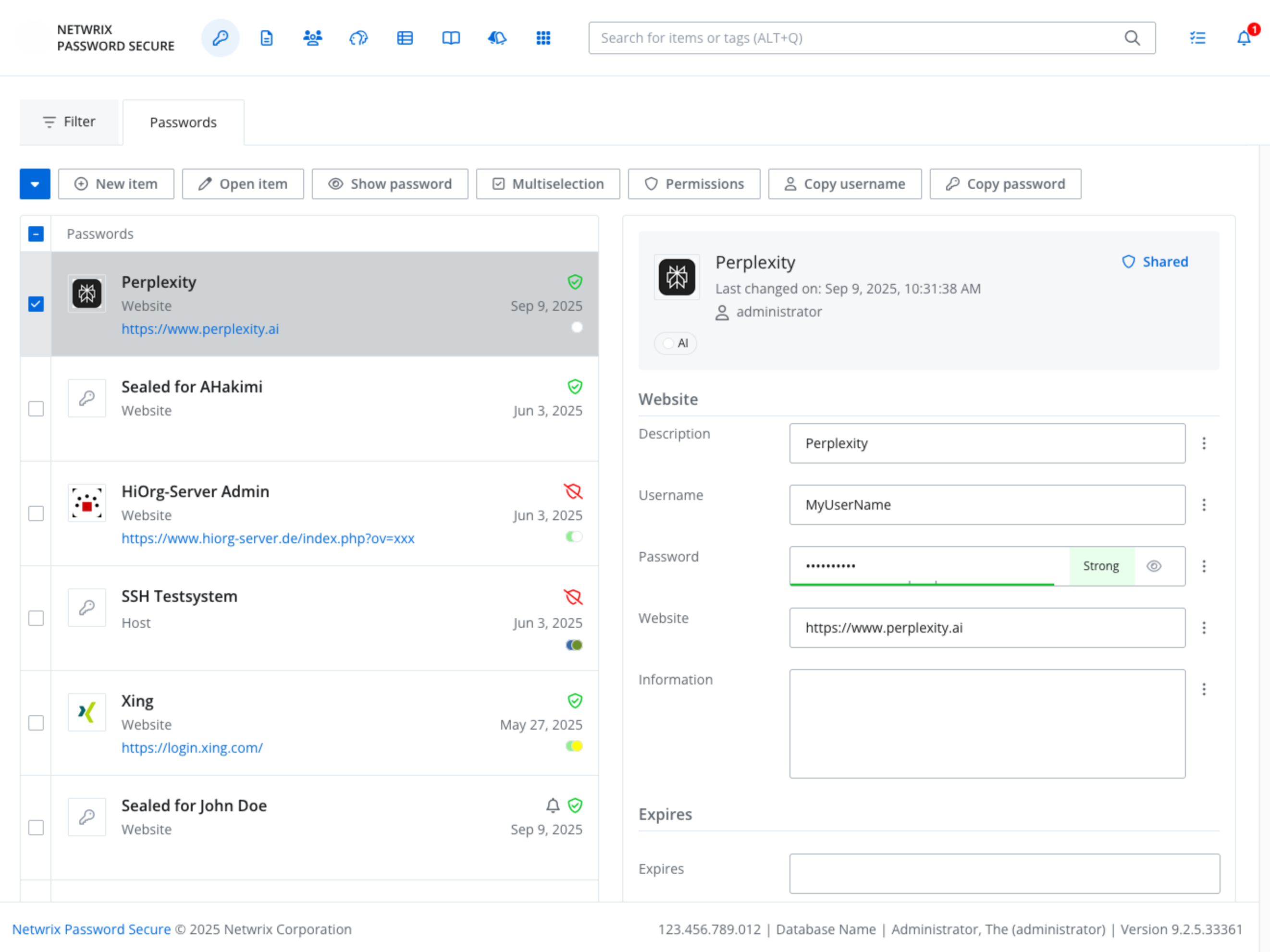
Example: Release day access — without the chaos
Your security team mandates that Tier zero secrets must be managed inside your Azure tenant boundary.
With a SaaS password manager
The product checks many boxes, but approval stalls. Reviewers focus on provider boundary, data residency, third party dependency, and exception handling. Rollout slows and teams keep using workarounds.
With Password Secure
You deploy self hosted inside your Azure tenant with no on premises footprint and no virtual machines. Security gets the control boundary they require. IT gets a governed system. Users get an easy workflow. Adoption accelerates.
Why choose Password Secure?
Tenant control without infrastructure drag
If your policy says it must run inside our tenant, Password Secure is built for you. Self hosted inside Azure with no on premises footprint and no virtual machines.
Easier approvals for privileged secrets
Avoid long exception cycles when reviewers require a clear tenant boundary for Tier zero and shared credentials.
Governance workflows built in
Approvals, time limited access, and audit evidence help you reduce standing privilege and prove control.