
原生审计
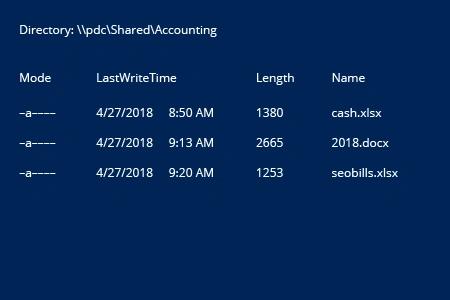
- 打开 PowerShell ISE → 运行以下脚本,并调整目录路径和时间范围:
      Get-ChildItem -Path \\pdc\Shared\Accounting\*.* -Filter * | ? {
$_.LastWriteTime -gt (Get-Date).AddDays(-1)
}
- 查看结果:
Netwrix Auditor for Windows 文件服务器
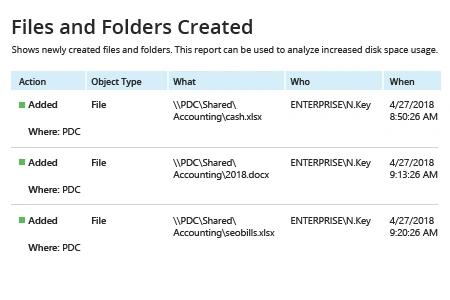
- 运行 Netwrix Auditor → 导航到“Reports”→ 打开“File Servers”→ 转到“File Servers Activity”→ 选择“Files and Folders Created”→ 点击“View”。
使用 Netwrix Auditor 监控文件夹中新文件非常简单——只需选择“Subscribe”选项,并定义计划和接收人即可。
分享到