
The Active Directory Tiered Administration Model Explained
Sep 3, 2026
The Active Directory tiered administration model blocks a common path from credential exposure on a compromised workstation to Domain Admin. It separates privileged accounts and systems by scope of control, then enforces logon boundaries so a privileged credential can authenticate only from an approved system. Dedicated accounts and hardened administrative workstations carry most of the weight.
A domain admin signs in to a user's laptop to fix a printer problem. Malware already on that laptop reads the credential out of Local Security Authority Subsystem Service (LSASS) memory and replays it across the environment, and the identity control plane for the whole domain is now reachable from a help desk machine.
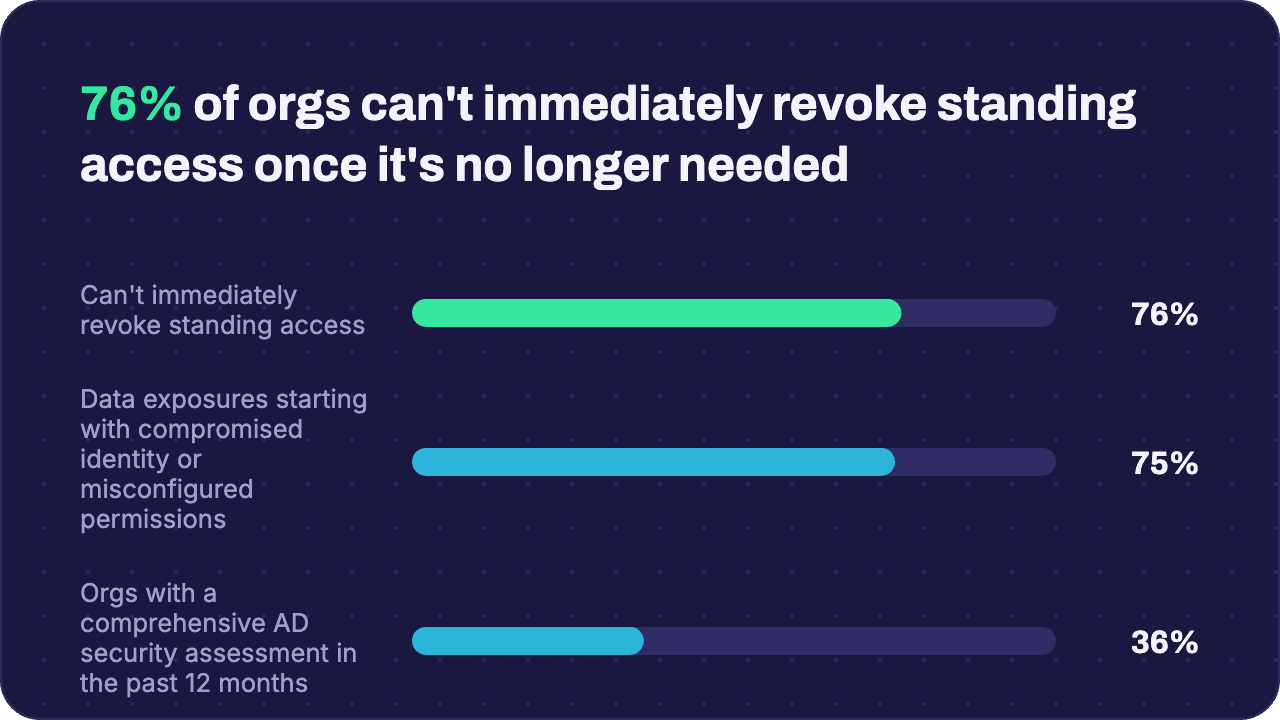
This happens constantly, and the numbers back it up. The Netwrix 2026 Data and Identity Security Report found that 75% of sensitive data exposures start with compromised identities or misconfigured permissions. Most start with a privileged credential sitting in the memory of an untrusted machine.
The obvious question is why the controls most organizations already run failed to stop it. Multifactor authentication (MFA), privileged access management (PAM), and Conditional Access all act on the credential once it reaches the device, which is too late to help. The tiered administration model works earlier, by governing where a privileged credential is permitted to appear in the first place.
What is the Active Directory tiered administration model?
The Active Directory (AD) tiered administration model is a privileged-access design that separates accounts, systems, and administrative tools into Tier 0, Tier 1, and Tier 2 according to their scope of control over the environment. Its core security rule is that higher-tier credentials authenticate only from approved systems in their assigned tier, which reduces credential theft and lateral movement.
The principle underneath it is that the keyboard, rather than the target system, sets a session's effective trust level. A Domain Admin credential entered on a help desk laptop carries that laptop's exposure straight into the domain controller it manages. Microsoft's AD tier model documentation therefore treats the administrative workstation as part of the security boundary.
Organizational units (OUs), groups, and Group Policy Objects (GPOs) are where teams usually start, and they only organize the objects the model applies to. Separating tiers happens through dedicated accounts per tier, logon enforcement, administrative workstations, deliberate delegation, monitoring, and a process for reviewing exceptions.
Why Active Directory tiering still matters
Tiering predates most of the tooling now sold to solve privileged access. Organizations running MFA, PAM, and Conditional Access still carry the exposure it was built to close, and the reasons come down to blast radius, attack path, and coverage.
It contains a blast radius that spans the whole environment
Tiering limits how far one exposed credential can reach, which matters most in AD because AD is the identity control plane. Privileged accounts and the services behind them control access, authentication, policy, and recovery for every system that trusts the domain.
Without that limit, a single directory administrator credential is enough to reach it all. Recovering a member server takes an afternoon, while recovering an identity control plane an attacker has held administrative rights over is a forest recovery project.
It closes the path most breaches actually use
Tiering blocks the single precondition most domain compromises depend on: a higher-privilege credential appearing on a lower-trust workstation. Pass-the-hash, LSASS credential dumping, and Kerberos ticket theft all need that to have happened first.
Removing the precondition, rather than detecting each technique, makes the control durable, since it holds against tooling nobody has written yet.
It fills a gap PAM and MFA can't cover alone
Tiering governs where a credential may be used, which is the one question the other controls leave open. Privileged access workstations (PAWs) establish endpoint trust, PAM and just-in-time (JIT) access govern duration, and MFA and Conditional Access govern authentication strength.
Microsoft's token theft playbook shows how little authentication strength helps once a credential is already on a compromised endpoint, since an attacker who steals and replays an issued token gains access even though the user satisfied MFA.
Netwrix Auditor tracks privileged AD changes, group membership changes, and GPO modifications down to the originating workstation. Request a demo.
The three tiers of Active Directory administration
Each tier groups assets and administrative identities by how much control they hold, and the workstation and logon requirements tighten as that control increases. A system's tier is determined by what it can reach.
Tier | Purpose | Typical assets | Typical admin identities | Core rule |
|---|---|---|---|---|
|
Tier 0 |
Identity control plane |
Domain controllers, AD CS, AD FS, Entra Connect, Tier 0 groups and accounts |
Domain and Enterprise Admins, identity admins, PKI and sync admins |
Use Tier 0 accounts only from Tier 0 workstations |
|
Tier 1 |
Enterprise servers and applications |
Member servers, SQL Server, Exchange, SharePoint, application and database servers |
Server, application, database, and workload administrators |
Use Tier 1 accounts only on Tier 1 administrative systems |
|
Tier 2 |
End-user computing and support |
User workstations, laptops, help desk tooling |
Desktop support and help desk administrators |
Access limited to end-user computing and support |
Tier 0: The identity control plane
Tier 0 contains every asset that controls the directory service, directly or indirectly. Microsoft's inventory covers domain controllers and Active Directory Domain Services (AD DS), Active Directory Certificate Services (AD CS) and the public key infrastructure (PKI) behind it, and Active Directory Federation Services (AD FS). Microsoft Entra Connect and the Tier 0 accounts and groups themselves belong here too.
Backup systems capable of restoring a domain controller belong here too. Anything that can restore a domain controller can also rebuild one on an attacker's terms.
Tier 0 administrators work only from Tier 0 PAWs, using dedicated Tier 0 accounts. Protecting domain controllers starts with controlling which credentials may reach them.
Tier 1: Servers, workloads, and enterprise applications
Tier 1 covers member servers, applications, databases, and the accounts that administer them, corresponding to the management and data/workload planes in Microsoft's Enterprise Access Model.
In practice, that means file servers, SQL Server, Exchange Server, line-of-business applications, and virtualization platforms limited to Tier 1 workloads. The constraint runs both directions. A Tier 1 admin signs in only to Tier 1 systems, and Tier 1 systems launch only Tier 1 administration.
Tier 2: Workstations and user support
Tier 2 carries the highest exposure of the three, because of what happens on those endpoints every day. Users browse the web, open attachments, install software, and absorb the phishing attempts that start most intrusions.
It covers end-user workstations, laptops, user accounts, and the identities that support them. Help desk work sits here, covering password resets, workstation support, and endpoint troubleshooting, and Tier 2 account rights stay limited to Tier 2 resources.
How to implement the tier model in Active Directory
Implementation starts with an accurate inventory and ends with enforcement that survives a local administrator. Microsoft treats its recommended sequence as a path rather than a hard dependency chain, so the later stages can run in parallel.
1. Inventory every privileged account and asset
Catalog every AD system, account, and tool with administrative reach. The indirect ones matter most, because nothing about them announces that they can reach Tier 0. That list includes service accounts, backup platforms that can restore domain controllers, the public key infrastructure, and Entra Connect, which Microsoft classifies as a Tier 0 component.
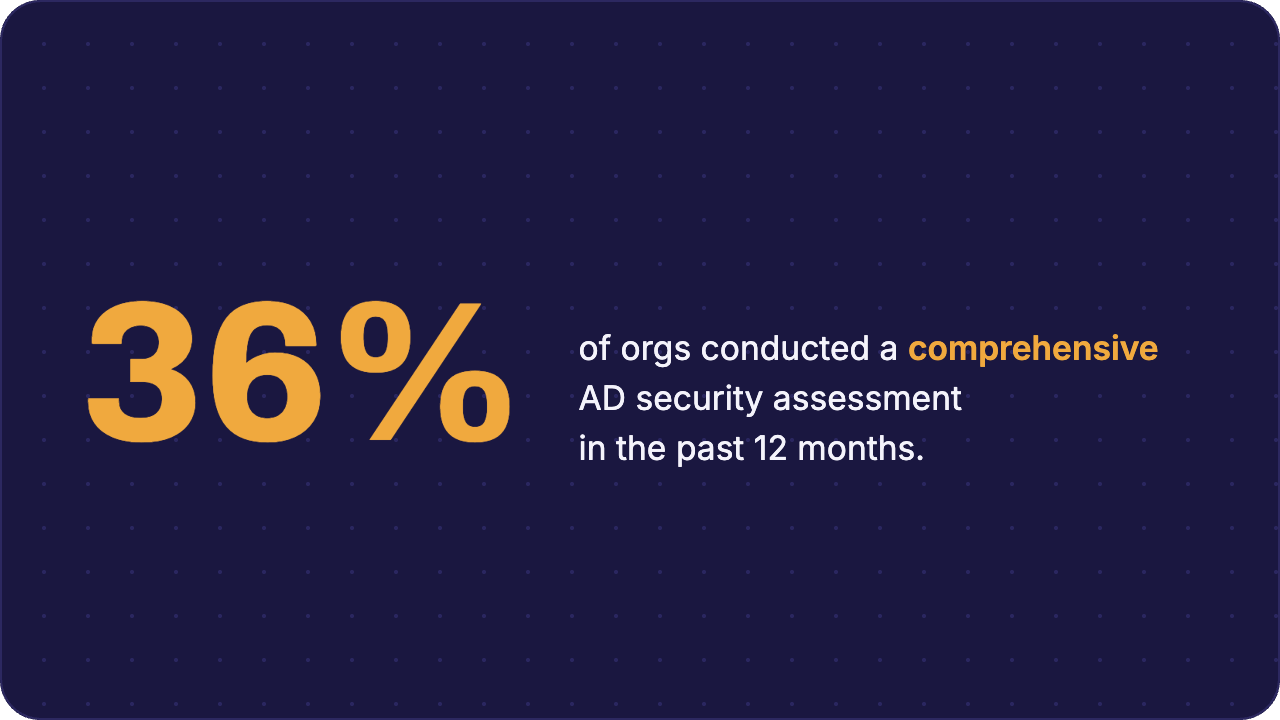
Only 36% of organizations conducted a comprehensive AD security assessment in the past 12 months, according to The Netwrix 2026 Data and Identity Security Report, so most inventories start from scratch rather than from an existing record.
2. Classify each asset by what it can control
Any account or system that can manage a higher tier belongs to that tier, regardless of where it was intended to sit.
Backup platforms, virtualization hosts running Tier 0 virtual machines, endpoint detection and response agents on domain controllers, and Group Policy management rights all belong to Tier 0 when they can reach Tier 0 assets. Microsoft Incident Response documented the cost of getting this wrong: a misconfigured PAM server sitting in Tier 1 held the keys to Tier 0 and handed attackers a route across the boundary.
3. Create separate accounts for each tier
Give administrators distinct accounts per tier, with no crossover. That means a Tier 0 identity-admin account, a Tier 1 server-admin account, and standard daily-use credentials for everything else.
Microsoft's rapid modernization plan targets 100% of on-premises privileged users holding separate dedicated accounts. Account separation also enables logon enforcement, since a single account used across tiers gives enforcement nothing to restrict.
4. Enforce logon restrictions at the domain controller and the endpoint
Deploy both available mechanisms rather than choosing between them. Group Policy gives broad coverage across endpoints, and Kerberos authentication policies add a boundary the domain controller enforces itself, which is the part that still holds after a lower-tier machine is fully compromised.
GPO-based logon restrictions deny interactive, Remote Desktop Protocol (RDP), network, batch, and service logon rights for higher-tier accounts on lower-tier endpoints through User Rights Assignment. The endpoint's Local Security Authority enforces them, which is why Microsoft acknowledges that a local administrator can bypass Group Policy and that the restriction applies only to AD-joined Windows machines.
Kerberos authentication policies and authentication policy silos restrict where a privileged credential may originate, and the domain controller's Key Distribution Center (KDC) enforces the check when it issues a ticket. AD refuses to issue a Ticket Granting Ticket from an unauthorized computer even when the credentials are correct.
Both mechanisms carry prerequisites that are easy to miss. Source-device checks need Kerberos armoring, also called Flexible Authentication Secure Tunneling, enabled on domain controllers and clients. Authentication policies also exempt the built-in domain Administrator account, which has to be controlled separately.
5. Give each tier its own hardened workstation
Deploy a PAW per tier so the environment enforces separation instead of relying on an administrator to remember a rule under time pressure. Microsoft's guidance is that the tier model depends on administration starting from a trusted workstation matching the tier being administered.
A Tier 0 PAW follows strict application restrictions that remove email, browsing, and productivity software, which are the delivery routes for credential-harvesting malware. Pairing the PAW with Windows Defender Credential Guard keeps derived credentials out of reach on the machine itself.
6. Roll out in phases, starting with Tier 0
Protect Tier 0 first, covering accounts, PAWs, and enforcement, before extending the same process to Tier 1 and then Tier 2. Later phases depend on a clean identity control plane.
Test enforcement GPOs outside production before they reach a live domain, because Microsoft warns that the wrong link order can lock domain admins out of every Windows system in the domain, including domain controllers.
Common mistakes to avoid when implementing the tier model in Active Directory
Most tiering programs are designed soundly and then undermined by the gap between the design and what actually gets enforced. Each mistake widens that gap predictably, and each surfaces months after the project closes.
Treating tiering as an OU redesign project
Creating Tier 0, Tier 1, and Tier 2 OUs alone leaves privileged accounts free to authenticate anywhere. Authentication policies and GPO deny rights enforce the boundary, while the container structure only organizes what those controls apply to.
Configure logon restrictions before moving AD objects into the new OU structure, since deny rules take precedence over allow rules and a half-migrated structure can produce surprises in either direction.
Allowing dual-use accounts and endpoints
Keep Tier 0 credentials on dedicated administrative endpoints. Microsoft Incident Response repeatedly finds that administrators using ordinary admin devices for day-to-day work leave privileged credentials behind for credential-dumping tools to retrieve.
Separate accounts and PAWs are controls, not conveniences and abandoning them under time pressure is the most common way tiering quietly stops working.
Overlooking service accounts and automation
Scheduled tasks, deployment tools, scripts, and service accounts need the same tier discipline as human administrators, meaning a named owner, least privilege, and a tier-aligned authentication path.
Deny interactive logon rights for service accounts, and keep each service's authentication path inside its assigned tier. Group Managed Service Accounts help by removing the shared static password that makes a service account portable across tiers.
Gaps in cross-tier logon monitoring
Watch for a Tier 0 credential authenticating on a Tier 1 or Tier 2 system. Microsoft rates Event 4964 as high criticality and advises that a Domain Admin sign-in to an end-user workstation should trigger both an alert and an investigation.
Failed logons and explicit credential use, Event IDs 4625 and 4648, are useful investigation signals alongside privileged-group membership changes, GPO edits, and exceptions granted once and never reviewed. Configure the audit policy explicitly, because many audit-related GPO settings ship as Not Configured.
How Netwrix supports tiering visibility and audit evidence
Tiering is a design and enforcement decision the organization owns. Tooling covers what design can't do for itself: proving the boundaries still hold months later and removing the standing credentials that make a crossing worth attempting.
Netwrix Auditor tracks privileged changes across every tier
Netwrix Auditor is an on-premises IT auditing product that tracks privileged AD changes, group membership changes, GPO modifications, and permission changes with before-and-after values. Its reports answer who changed what, when, and where, down to the originating workstation.
Several of those capabilities map directly to tier enforcement. Failed logon analysis surfaces the authentication attempts a cross-tier restriction just blocked, showing enforcement is working, not just configured.
Privilege escalation detection alerts when an account gains elevated access it didn't previously hold, and anomaly detection flags administrative behavior that departs from an account's baseline. Coverage extends to Entra ID alongside on-premises AD, so a hybrid tier map stays visible in one place.
Flagler Bank gained a continuous view of its IT risk profile with a one-person IT department, cutting investigations from hours to 10 minutes and reaching first value 30 minutes after setup.
Netwrix Privilege Secure supports account separation and just-in-time access
Netwrix Privilege Secure provisions task-scoped privileged access and creates an audit trail for each session. It creates an ephemeral account for the session and destroys it afterward, so the privileged credential exists only while the approved work is happening.
That matters because 76% of organizations can't immediately revoke standing access once it's no longer needed, according to The Netwrix 2026 Data and Identity Security Report.
Eastern Carver County Schools replaced standing privileges with just-in-time access across systems holding data for 9,300 students, completing the rollout in days and removing the audit scramble that came with permanent admin rights.
Neither product implements the tier model itself; both exist to prove it still works after the design work is finished.
Start with Tier 0, then make the model operational
A tiering program becomes operational when the team can show that higher-tier credentials stayed inside approved authentication paths, that an owner reviewed each exception, and that the audit trail proves enforcement held. Blocked cross-tier logons, privileged-group changes, exception age, and control ownership are the measures worth tracking.
For most organizations, the effective starting point isn't a redesign. Inventory and protect the Tier 0 identity control plane, issue separate Tier 0 accounts, deploy hardened PAWs, and enforce logon restrictions at both the endpoint and the KDC.
Request a demo to see how Netwrix tracks privileged changes across tiers, flags cross-tier logons, and keeps the audit evidence that proves the boundaries are holding.
Frequently asked questions about the Active Directory tiered administration model
Share on
Learn More
About the author
